How to Update a Custom GPT’s Knowledge When Your Markdown Changes Every Day
TLDR
If you’re maintaining a Custom GPT and updating markdown files daily, you’ll quickly run into a practical question: how do you keep the GPT “trained” on the latest content without creating confusion or duplication? The short answer is this: treat your “knowledge uploads” like a curated library, not a version-controlled repository. Your goal is to keep a single source of truth per topic so the model retrieves the right information every time.
Below is a clear approach that will keep your Custom GPT accurate, stable, and easy to maintain. I share this because I just came across this issue which I assume many technologist are actively in and doing it incorrectly, or just to get on everyone’s radar.
The Problem: Knowledge Uploads Are Snapshots, Not Git
Custom GPT Knowledge behaves more like a static reference shelf than a living codebase. When you upload files, the model indexes chunks of text for retrieval. It does not reliably understand that spec_v12.md is newer than spec_v11.md, even if your naming conventions are perfect.
That creates a common failure mode:
You upload daily updates as separate files
Older versions remain in Knowledge
The GPT retrieves whichever chunks look most similar to the user’s question
You get blended, outdated, or contradictory answers
If accuracy matters, avoiding that scenario is the whole game.
The Best Practice: Replace, Don’t Accumulate
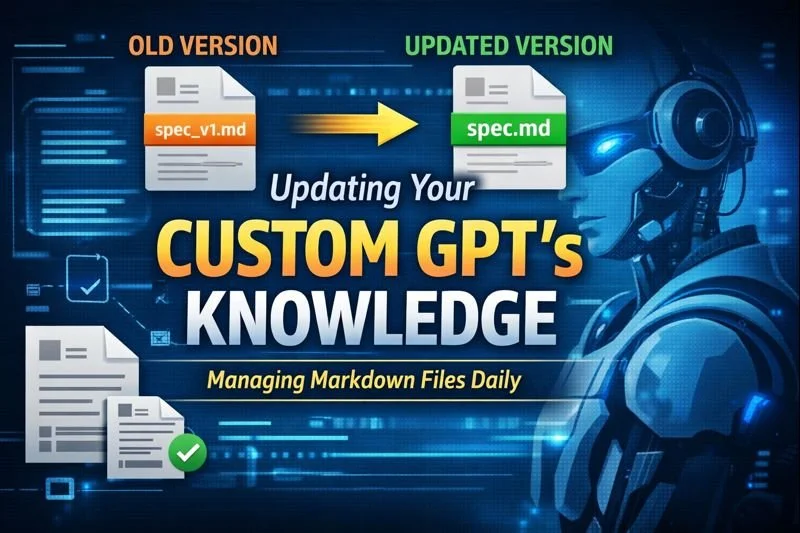
When a markdown file is an updated version of an older one, the cleanest workflow is:
Remove the old file from Knowledge
Upload the updated version
Keep one authoritative document per topic
This reduces retrieval ambiguity and prevents the model from citing obsolete sections.
A simple rule to follow:
If it’s a living document, keep only the latest version in Knowledge.
Why Naming Conventions Alone Won’t Save You
Many builders assume the GPT will “figure it out” by reading filenames like:
2026-01-26_prd.mdprimal_prd_v14.mdspec_latest.md
Unfortunately, Knowledge retrieval is based on semantic similarity, not filename precedence. If two versions discuss the same concepts, both can be retrieved. The model will not consistently prefer “latest” unless the content itself makes recency obvious and you remove the competing files.
Naming conventions are still useful for your workflow, but they are not a replacement for curating what stays in Knowledge.
A Workflow That Scales
1) Use Stable Filenames for Canonical Docs
Use stable names that represent “current truth,” like:
product_brief.mdapi_contracts.mdux_copy.mdanalytics_events.md
Then each day, you overwrite your canonical doc by removing the old upload and uploading the new file with the same name.
This keeps your knowledge base clean and makes maintenance straightforward.
2) Put a Version Header Inside the File
To make recency explicit at retrieval time, include metadata at the top:
# Product Brief
Status: Current
Version: 2026-01-26
Changelog: Updated onboarding steps and paywall copy
That gives the model a clear signal that this document is the current source of truth.
3) Maintain a Single INDEX.md (Highly Recommended)
Create an INDEX.md or README.md that acts like a map of your knowledge base:
Canonical docs and what they cover
Last updated dates
Source-of-truth rules
Any important “how to use these docs” guidance
Example:
# Knowledge Index
- product_brief.md (Current) — updated 2026-01-26
- prd_core.md (Current) — updated 2026-01-25
- ARCHIVE folder not included in Knowledge
Rule: Only docs marked Status: Current should be treated as truth.
This helps the GPT anchor its retrieval around your intended structure.
What If You Want Version History?
If you truly need historical context, the best approach is: do not store full daily history inside Knowledge. It increases noise and can damage answer quality.
Better options:
Keep history in GitHub, Drive, Notion, or your own repo
Only upload “current” docs to Knowledge
If you must keep history inside Knowledge, do it intentionally:
Keep weekly or monthly snapshots, not daily
Clearly label them as non-current in both filename and content:
ARCHIVE_2026-01-05_product_brief.mdwith a header:
Status: Archived
This reduces the chance that archival chunks get pulled into active answers.
A Simple Operating Model
Here’s a clean, repeatable system:
Daily routine
Update your markdown docs locally
Remove outdated versions in GPT Knowledge
Upload the updated canonical version
Update
INDEX.mdlast-updated dates if needed
Guiding principles
One doc per topic
One current version
Make “current vs archived” explicit
Keep the Knowledge library minimal and curated
The Bottom Line
If you’re updating markdown daily, the most reliable approach is:
Remove older versions and replace them with the updated file.
Do not expect the GPT to handle version control via naming conventions. Treat Knowledge like a curated shelf of current truths, not a folder that accumulates everything you’ve ever written.
If you want to scale cleanly, combine stable filenames, in-file version headers, and an INDEX.md map. That combination keeps your Custom GPT sharp, consistent, and aligned with your latest decisions.
If you want, paste your current naming pattern (a few filenames) and roughly how many docs you manage, and I’ll propose a tight structure (canonical set + index format) that minimizes daily upload work.